
Save anything, summarized
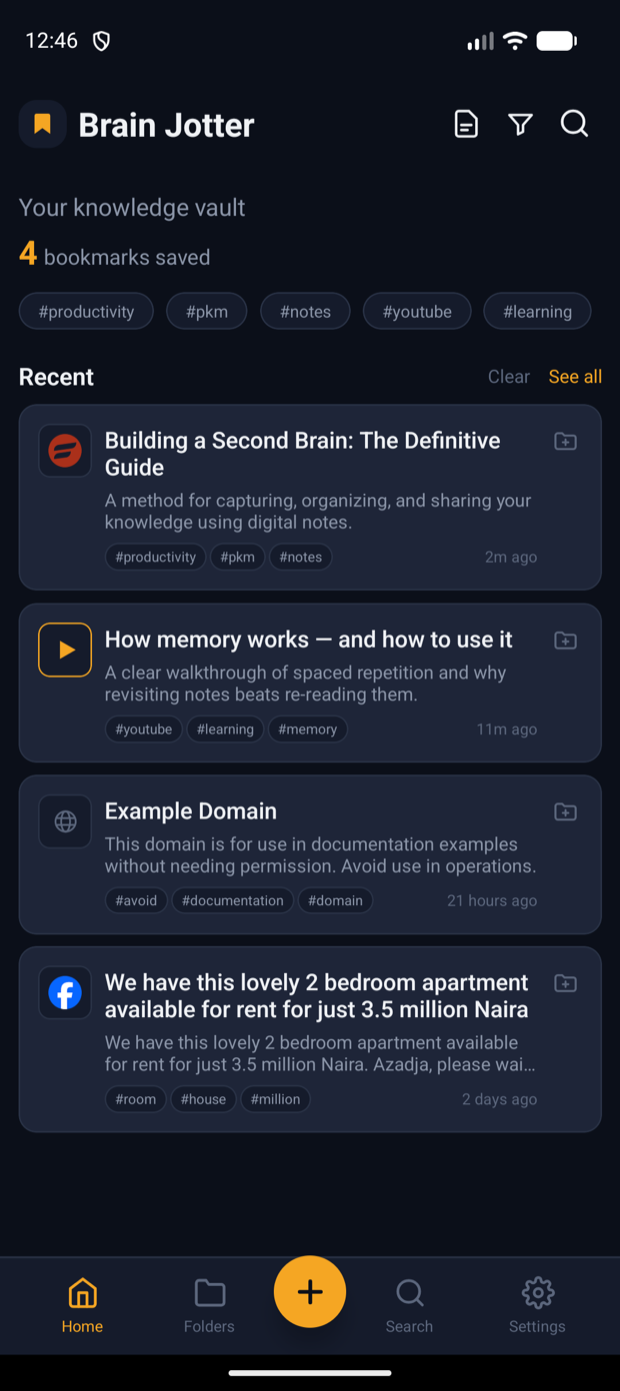
Bookmark any link. On-device extraction pulls the content, then optional AI writes a summary and tags.
Private bookmarking with AI-powered summaries, smart notes, and video transcription — captured, organized, and kept entirely on your device.
Works offline No account Your data never leaves your phone
No account. No tracking. Your notes and bookmarks stay on your phone — AI is optional and uses your own key.
Save links, transcribe videos, and write rich notes — with optional AI you control. Ten features, zero lock-in.
Bookmark any link. On-device extraction pulls the content, then optional AI writes a summary and tags.
YouTube, TikTok, Instagram, Facebook and X reels become searchable text you can read, quote, and keep.
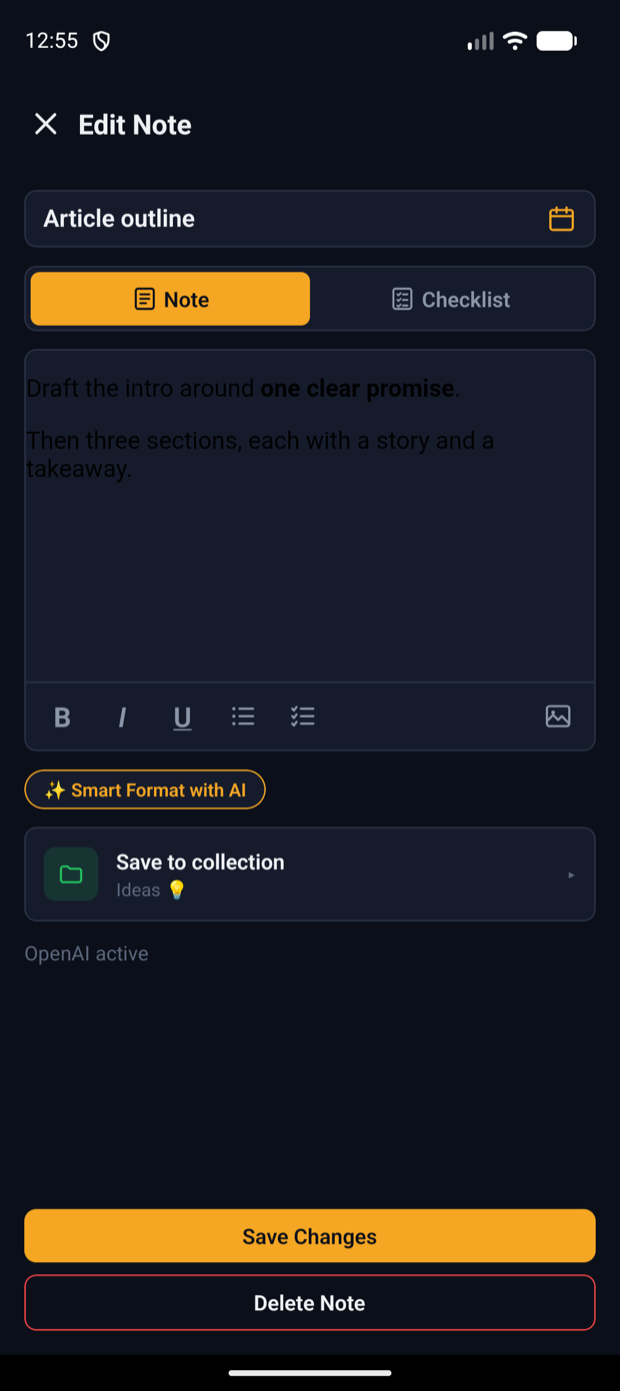
Free-form rich text or checklists, with inline images and scheduled reminders that ping you on time.
One tap rewrites a note — Professional, Concise, Bullet points, Friendly, or grammar-only fixes.
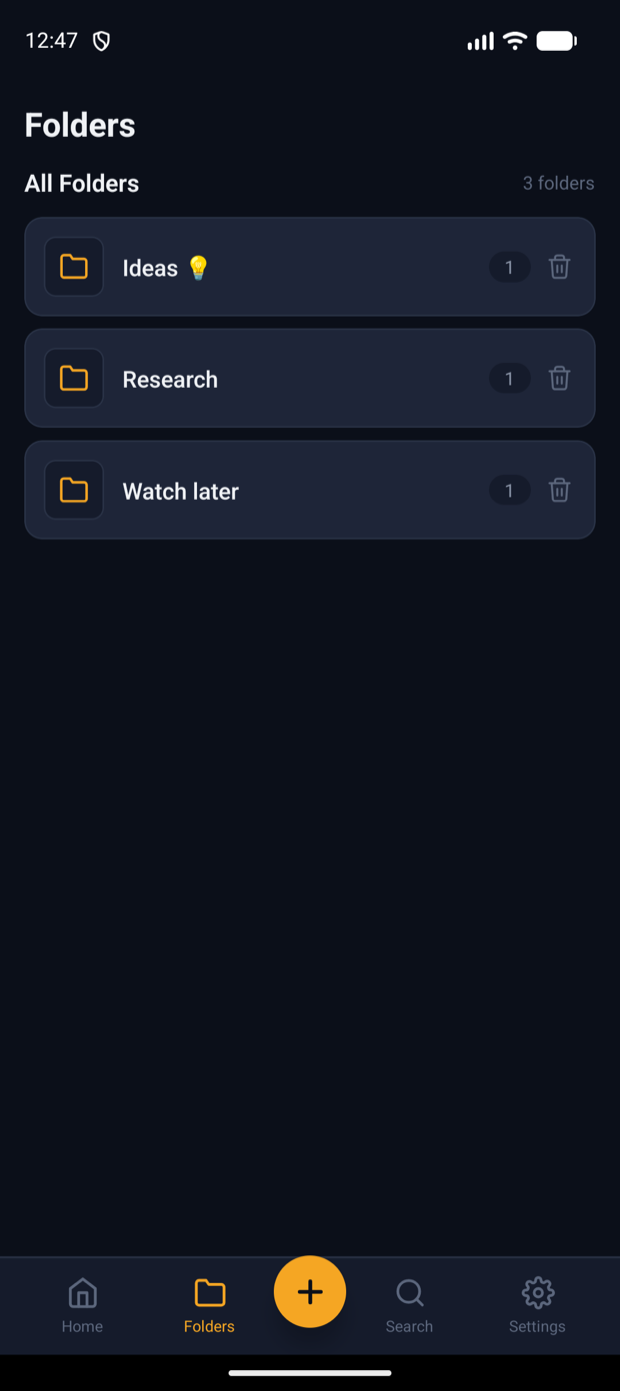
Group bookmarks and notes together into collections, and move items between them in a tap.
Instant keyword search across everything — plus optional AI semantic search that finds by meaning.
Hit share in any app and Brain Jotter is right there — the link is prefilled, ready to save.
Everything is stored locally, one file per item. It works with zero connection and no account, ever.
Export your whole library to a single JSON file, and import it back on any device. You own your data.
OpenAI, Anthropic, Gemini or OpenRouter — every AI feature is opt-in and uses a key you provide.
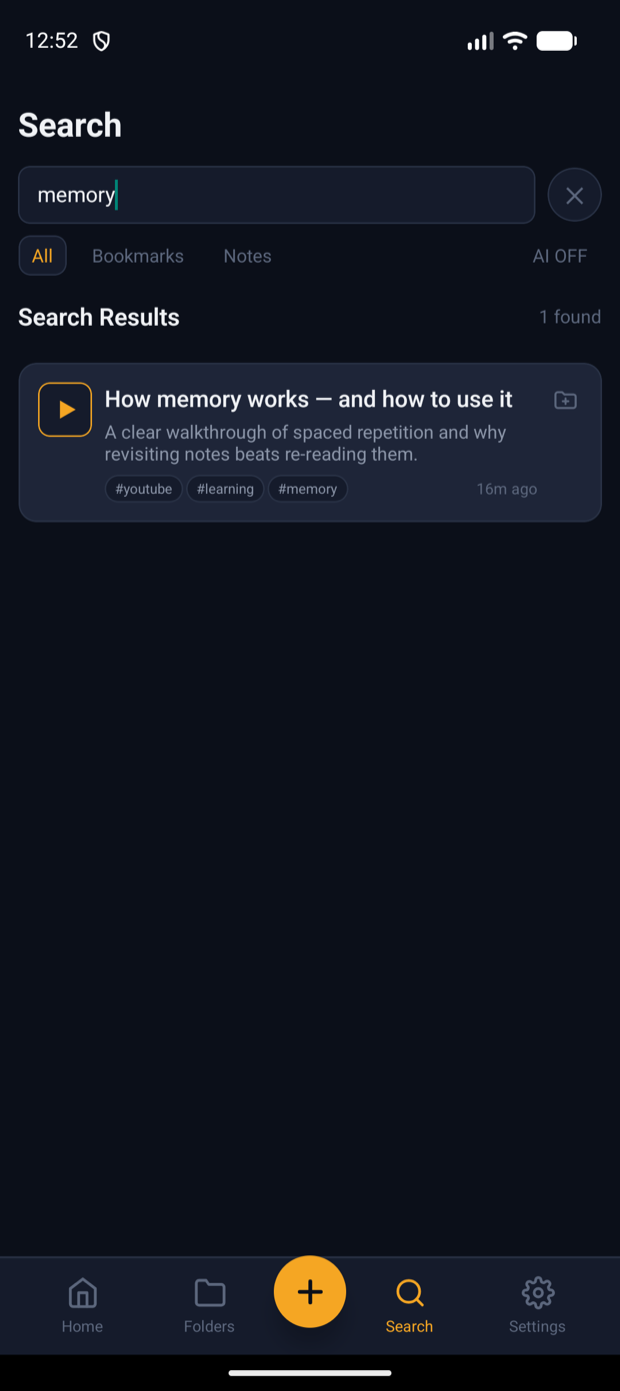
← swipe to explore →
Brain Jotter works fully without any AI. Turn it on only when you want to — and stay in control of exactly what gets sent, and to whom.
Brain Jotter isn't on the Play Store yet, so you install the APK directly. Here's the whole flow.
Tap the download button on your Android phone to grab BrainJotter.apk.
From your notification shade or the Files app, tap the downloaded BrainJotter.apk.
If Android asks, enable “Allow from this source” for your browser or Files app, then go back.
Tap Install, wait a moment, then open Brain Jotter and hit “Get Started”.
Try everything free for a week. Keep it for a one-time payment — no subscription, no renewals.
Free for 7 days, then yours for a one-time ₦15,000. Download Brain Jotter and keep everything worth remembering in one calm place.